Every feature, from the headline acts to the small comforts.
Snakie is a complete MicroPython workbench — write code, wire up a board, watch it run on live instruments, and now practise entirely offline on a real simulated device with your files kept in sync as you type. Here's the full list, flagship features first.
Flagship features
The things that make Snakie different from every other MicroPython editor.
Offline simulated device
A real MicroPython interpreter compiled to WebAssembly — learn, prototype and demo with no hardware plugged in. The REPL and Run button actually execute Python.
Node-graph Board View
Snakie reads your code and draws the board, wiring every Pin(), I2C(), PWM() and ADC() to the physical pin it drives — no guesswork.
Parts Library & Part Editor
A portable, community-authored parts library with a full visual editor for custom boards and components — pins, pads, shapes, text and images.
On-screen instruments
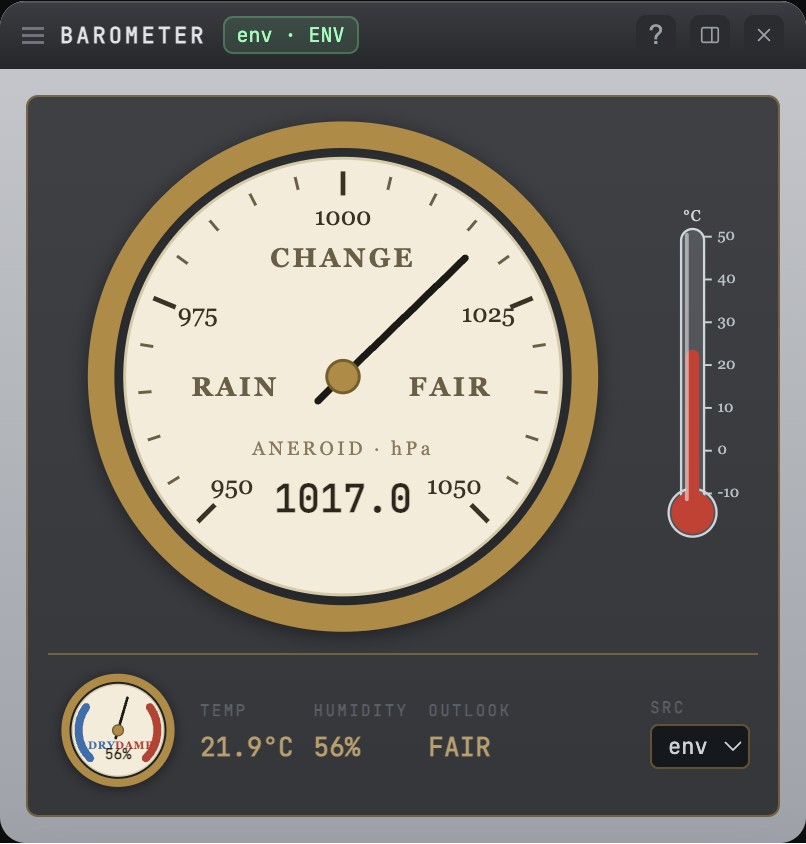
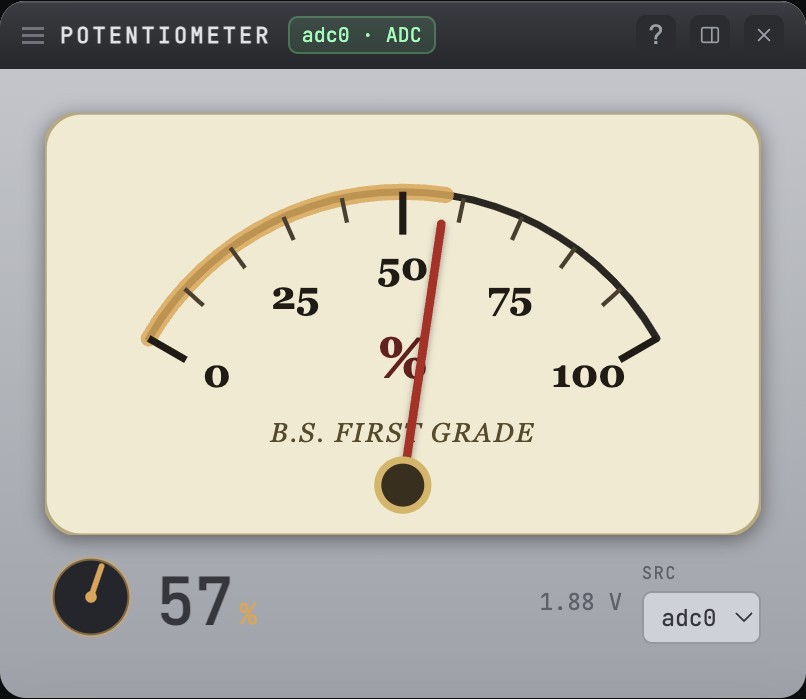
A skeuomorphic bench — oscilloscope, antique barometer, multimeter, plotter and more — fed live and non-invasively by a tiny telemetry library that never interrupts your running program. watch() a sensor and the right instrument opens itself.
Robotics instrument suite
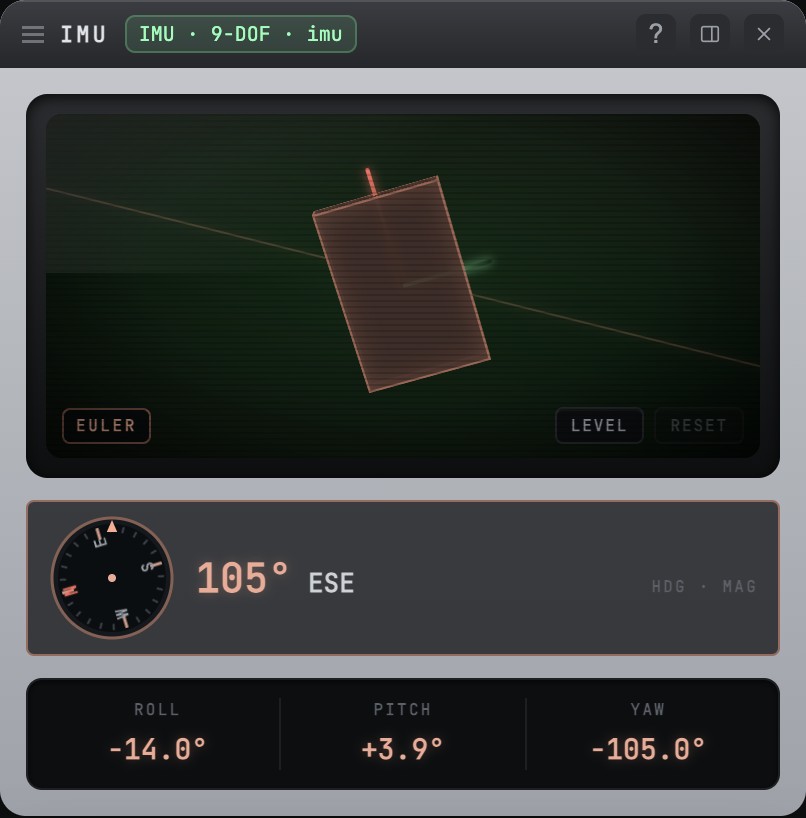
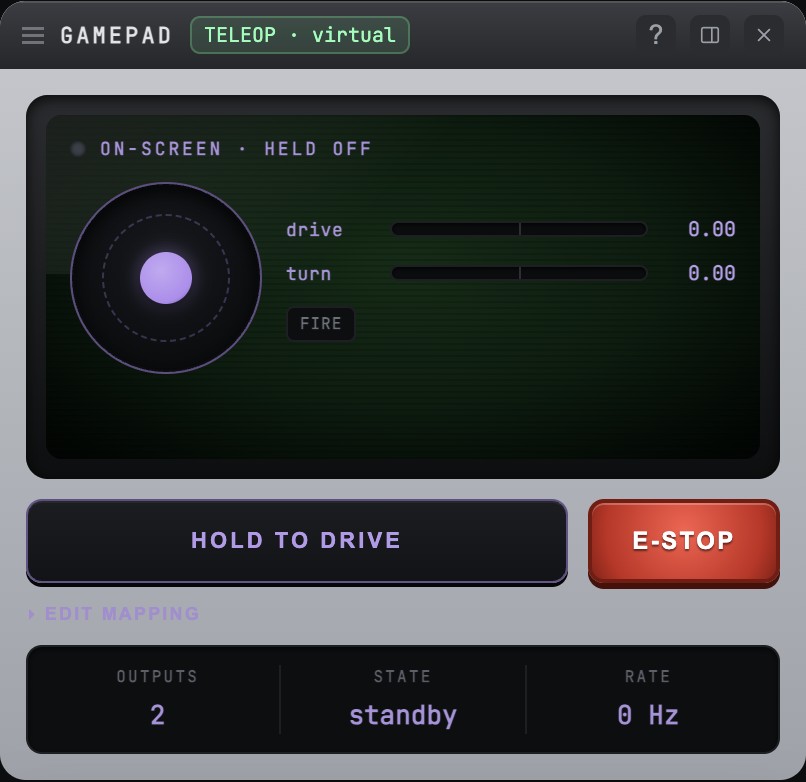
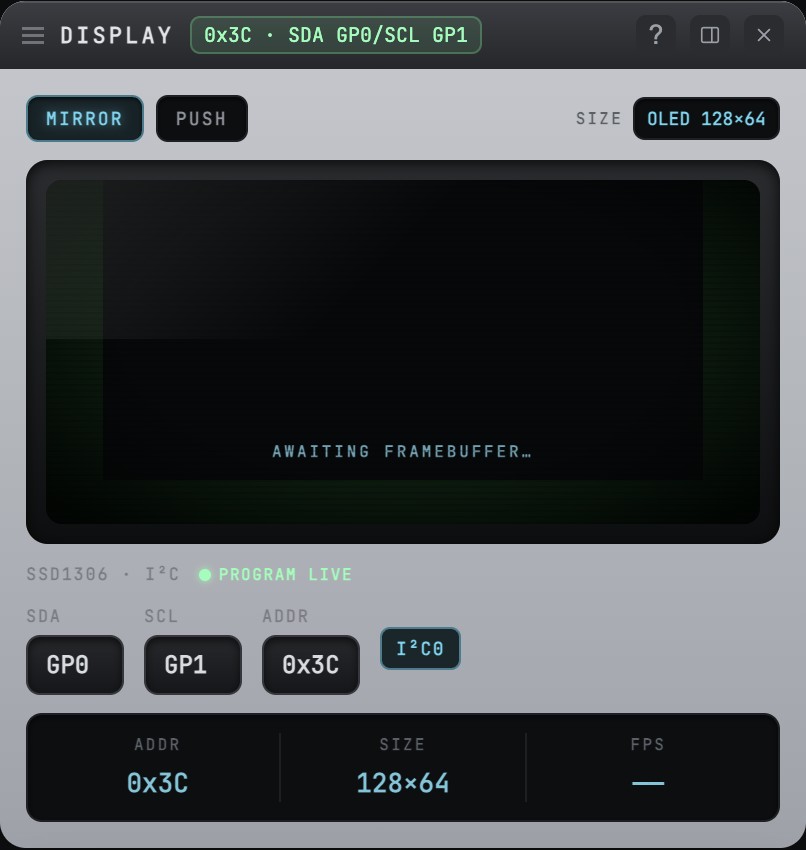
A 3D IMU viewer with a magnetometer compass, distance radar, and button / LED / encoder / display panels — plus gamepad teleop for driving robots live.
3-D Robot View
Build a robot from primitive blocks or your own STL meshes, join the parts with hinge, slider and wheel joints, and pose it — all in a spinnable 3-D scene saved to robot.yml.
Motion Studio
Pose your robot, chain poses into sequences (walk cycles) with per-step timing, and blend between them with puppet-control sliders — driving the 3-D model live, and the real servos when a board's connected.
Servo ↔ joint binding
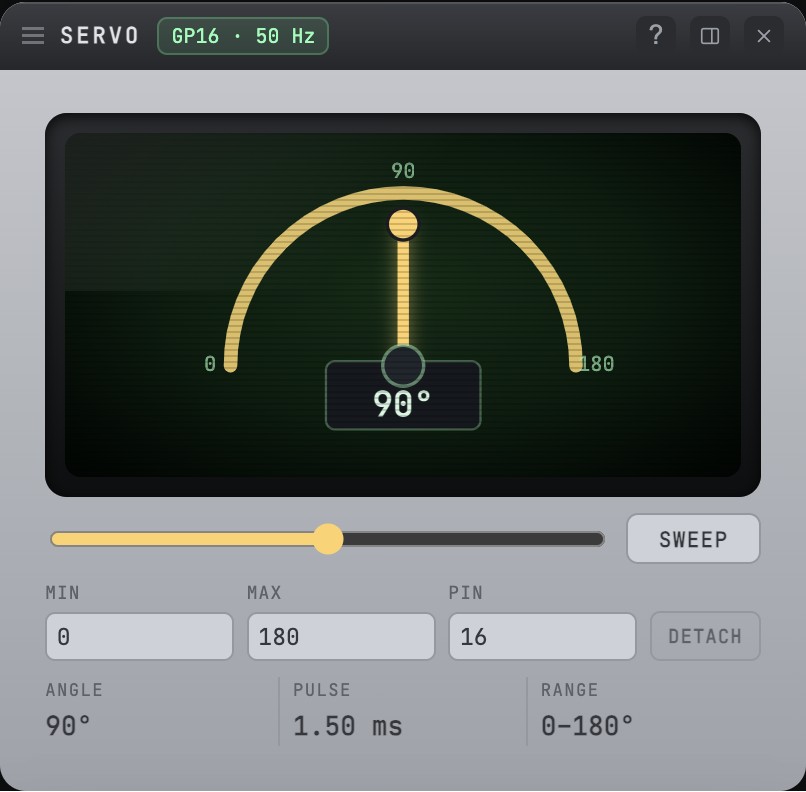
Wire a servo, bind it to a joint and calibrate the range (with invert). A running program's servo writes then move the matching joint in the 3-D model, and a Poses bench instrument lets you test every pose live.
Friendly snakie module
Write board code the clear way — from snakie import Servo, Buzzer, Led, Pin, PWM. One collision-proof name for the hardware classes, so a vendor servo module can’t shadow yours.
Breadboard & schematic views
Two fully-wired circuit representations with life-like parts, auto-routed noodle wires and real pinouts.
File syncing with the device
Tick a file to keep it in sync with the connected board — Snakie pushes it on every save, so what's on the board always matches what you're editing.
SAM text-to-speech
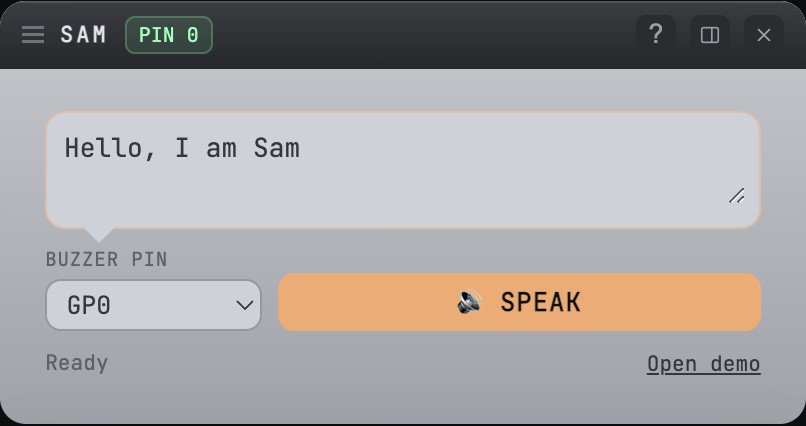
Give your robot a voice from a single GPIO pin with the built-in SAM speech instrument — no complex audio libraries.
Python plugin system
Extend Snakie with custom Python plugins — linters, commands and panels — without touching a line of TypeScript.
AI-first editor
A Claude-powered chat that sees your code and board setup, inline ghost-text autocomplete, and one-click apply of suggested changes.
One-click firmware flashing
Browse, download and flash official MicroPython firmware to RP2040, ESP32 and micro:bit straight from the IDE.
Teleop & gamepad control
Drive robots live from a USB or Bluetooth gamepad with configurable mapping, deadzone and an E-STOP for safety.
Robot definition (robot.yml)
A version-control-friendly project file that records every part, placement and wire — perfect for documentation and collaboration.
Skeuomorph retro UI
A photoreal interface of brushed metal, green felt and ruled paper that's delightful to use and stays out of your way.
The instrument bench
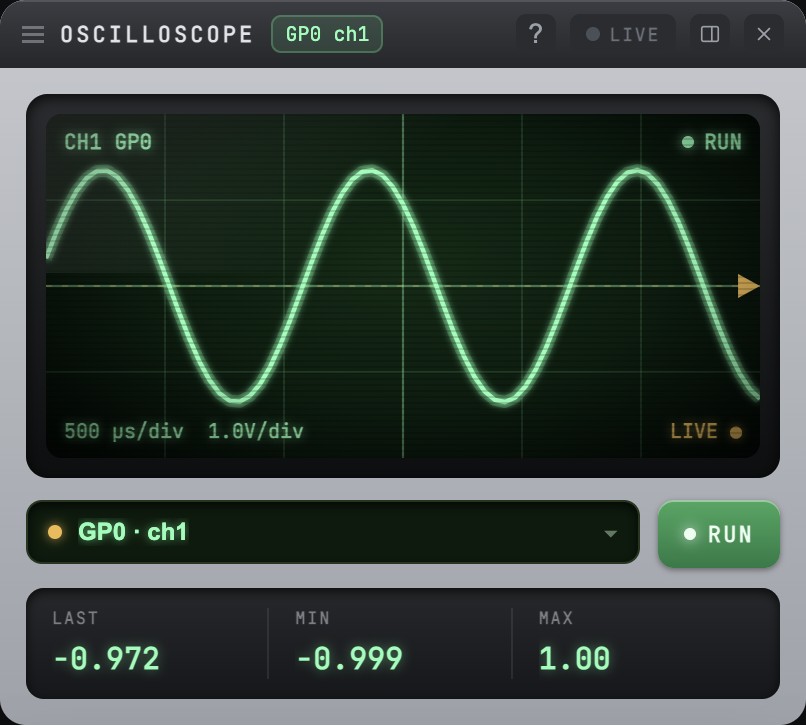
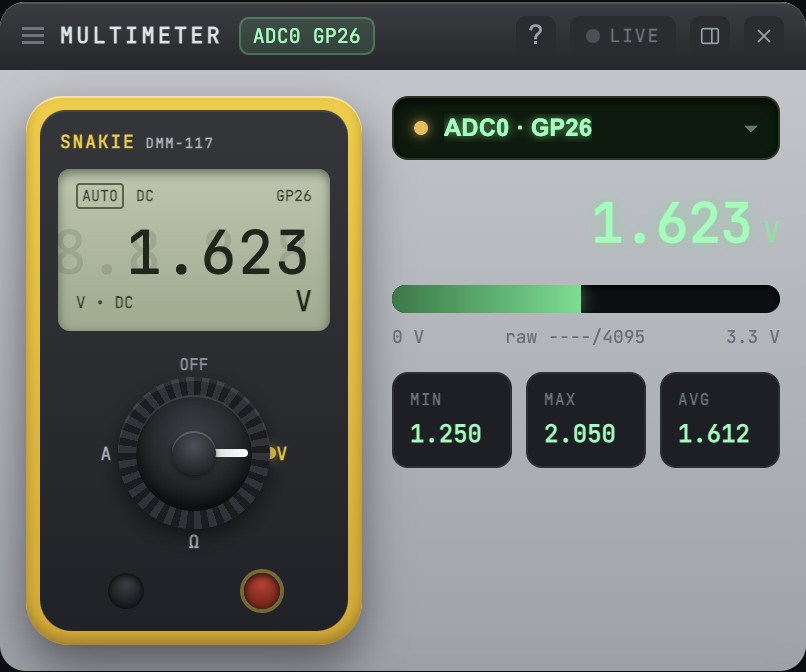
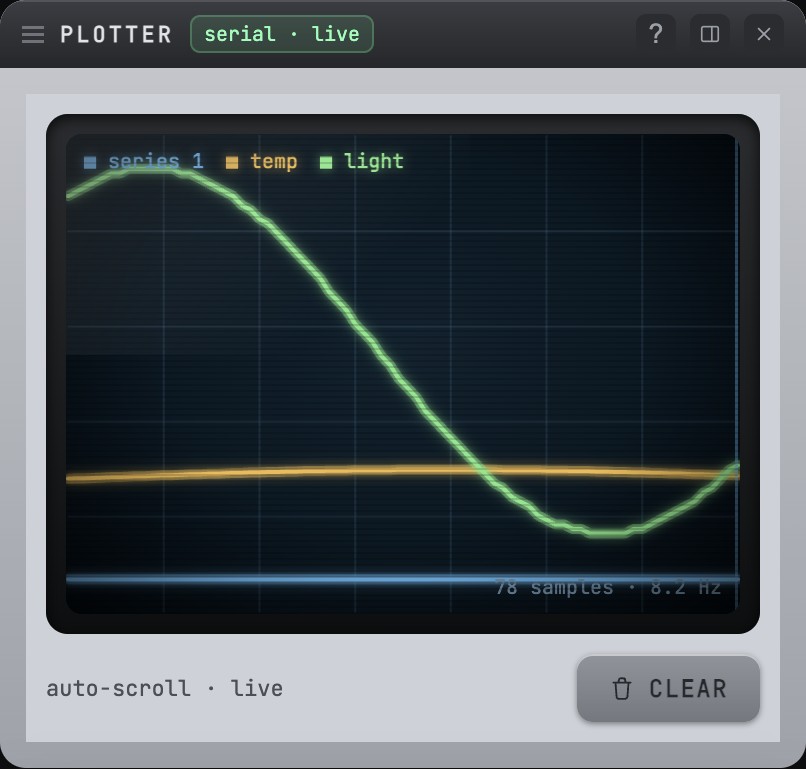
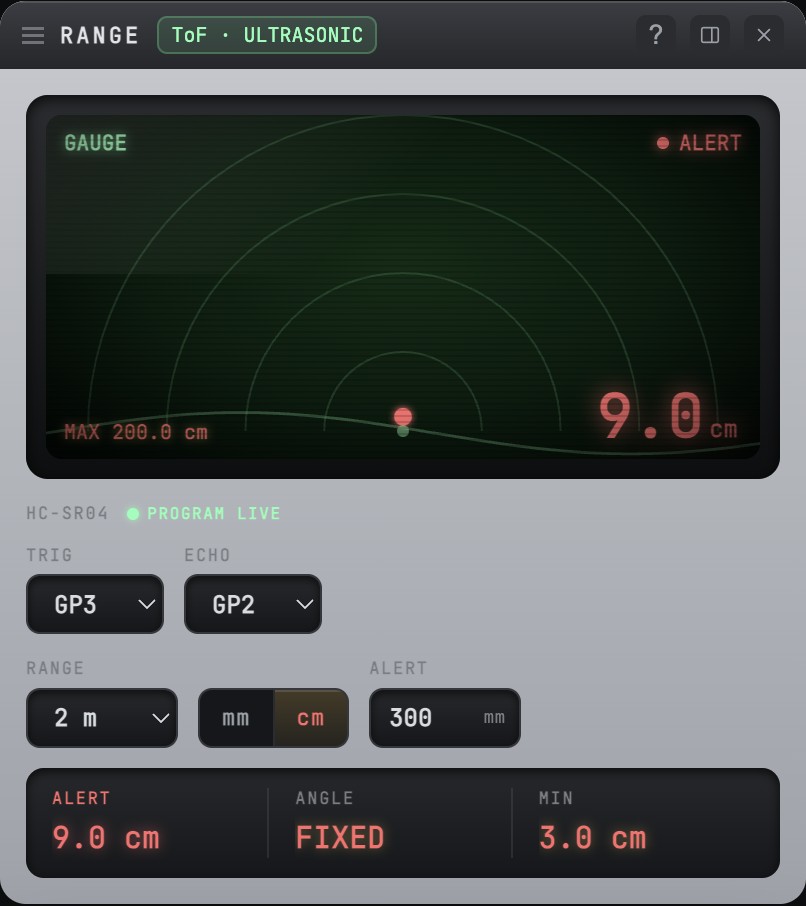
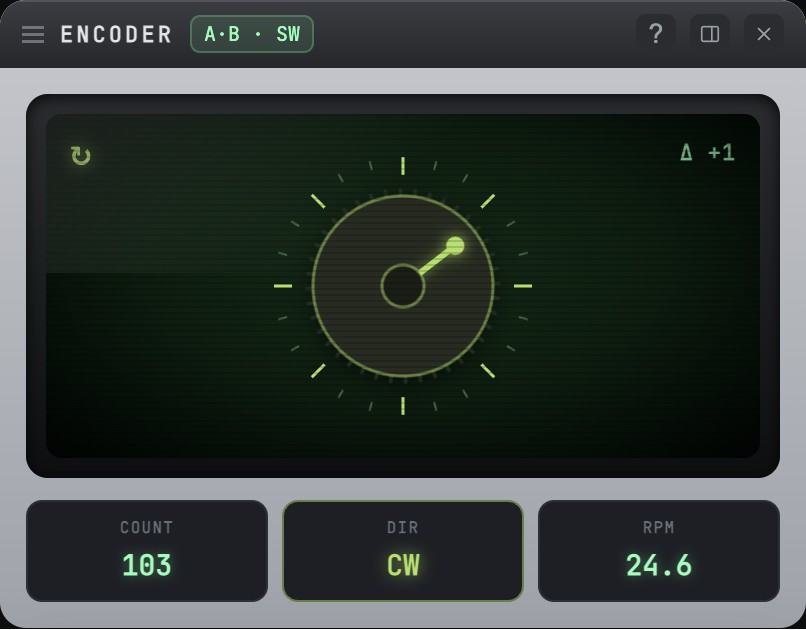
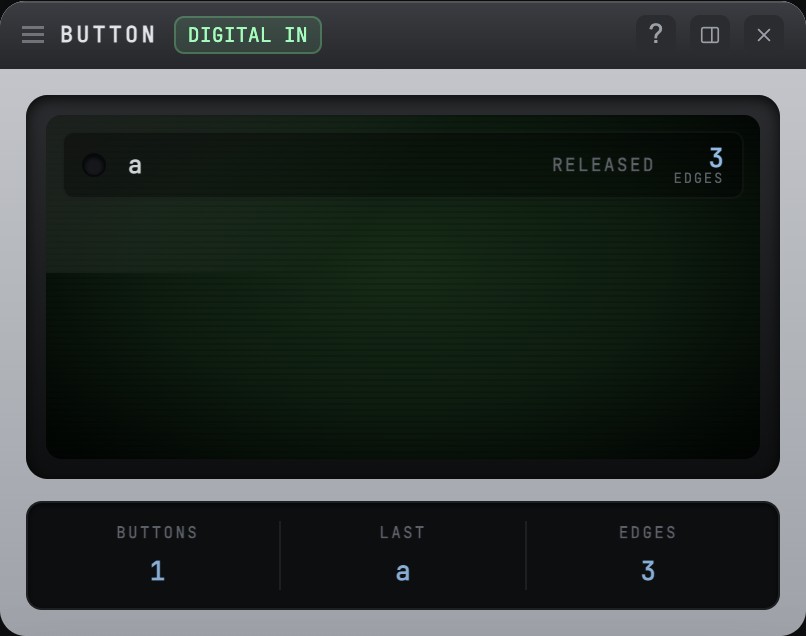
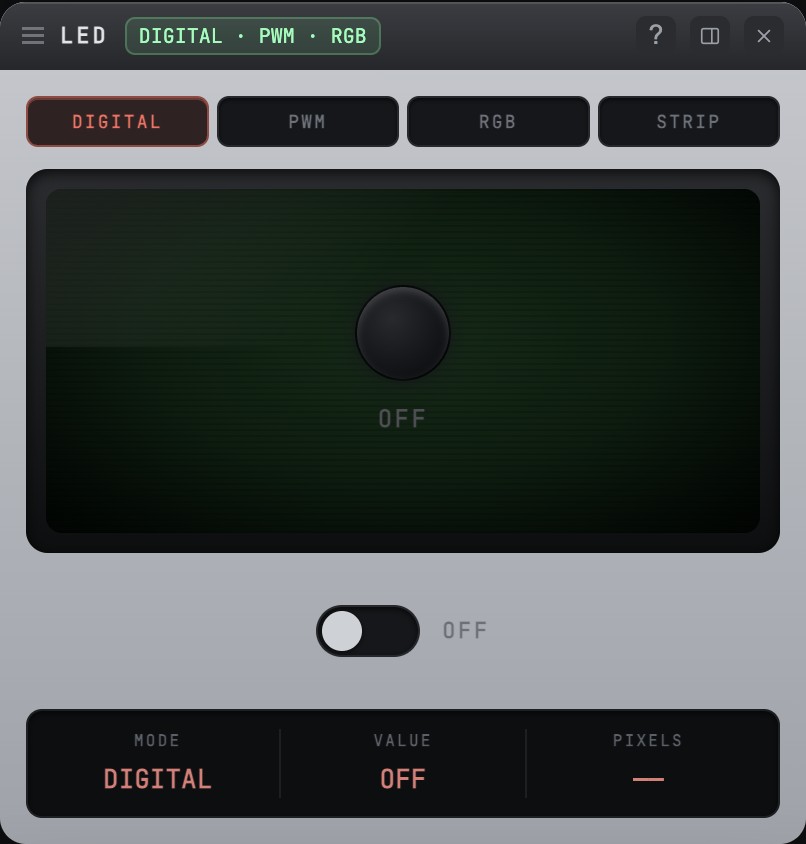
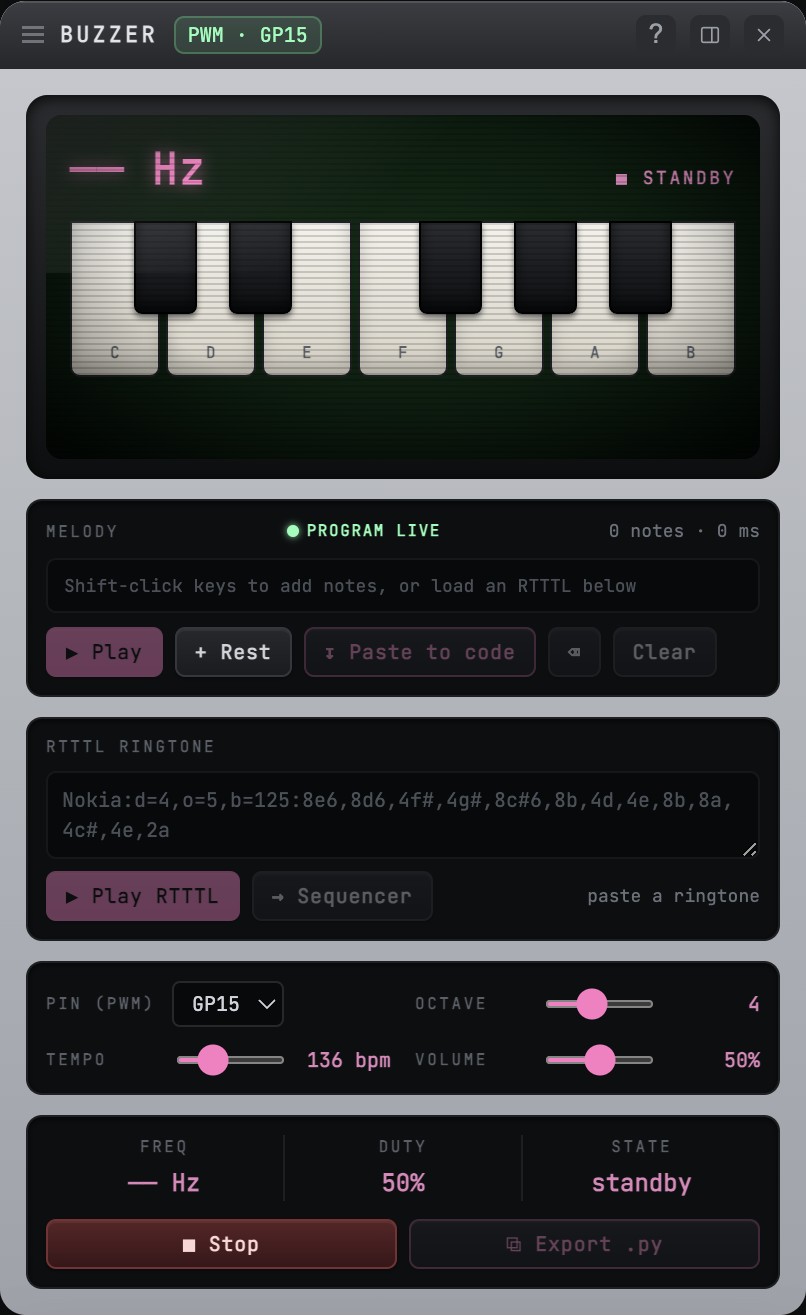
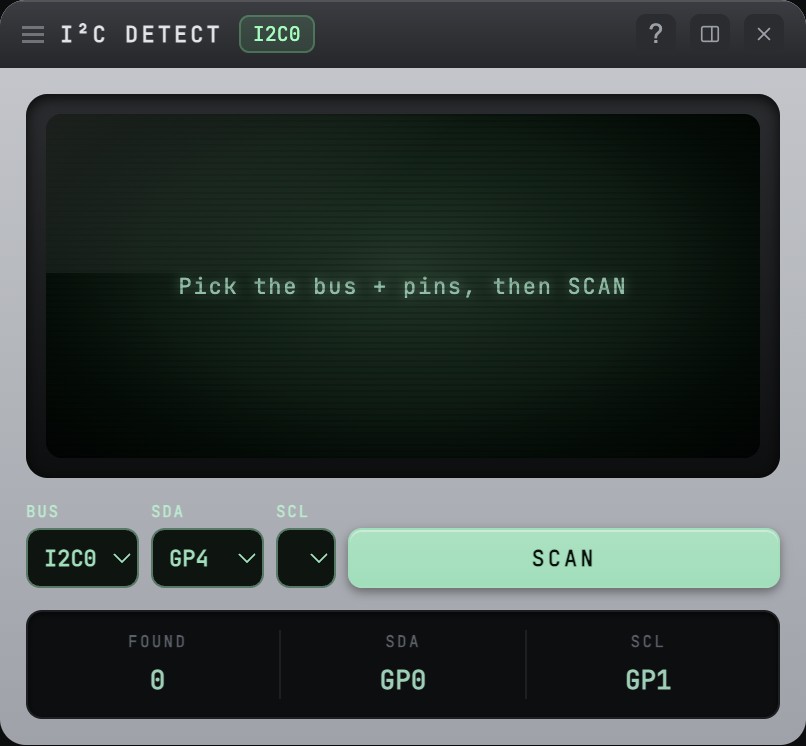
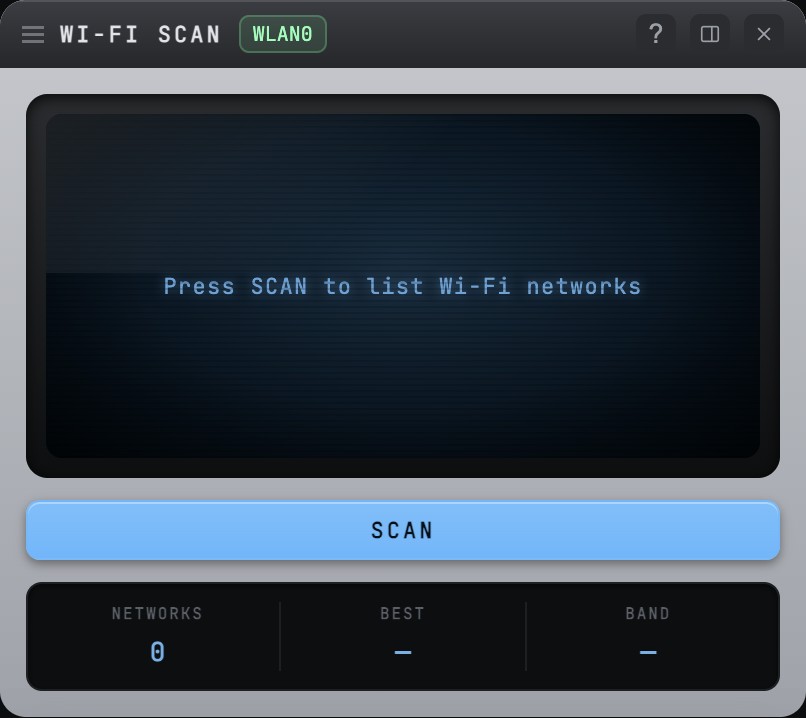
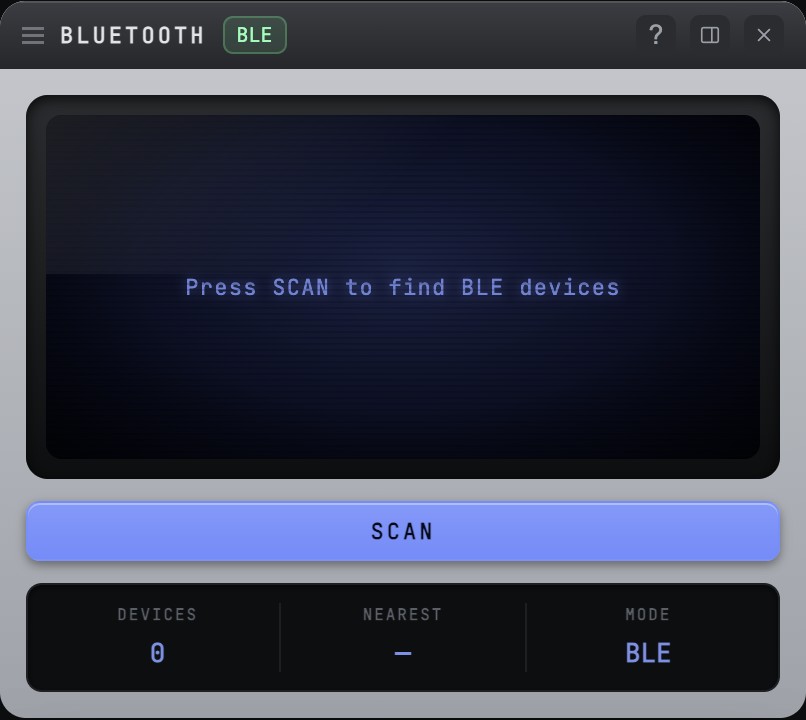
A skeuomorphic bench of live instruments — every one shown here running on Snakie's offline simulated device, no hardware attached. watch() a sensor and the right panel opens itself.
Quality-of-life
The hundred small touches that make a long session pleasant.
- Monaco editor — VS Code's engine with MicroPython highlighting, autocomplete and inline error squiggles.
- Find & Replace with regex — case-sensitive, whole-word and regex toggles with a live match count.
- Multi-file tabbed editing — work across files with tabs and keyboard shortcuts.
- YAML/JSON validation — automatic checks with one-click formatting and repair.
- Part version auto-bump — saving a part increments its patch version for easy update tracking.
- Undo/redo in the Part Editor — a full history for pins, shapes, text, drag, rotate and delete.
- Copy/paste style — reuse colours, fonts and borders across Part Editor elements.
- Accessibility — screen-reader support, visible keyboard focus and a reduced-motion mode.
- Customisable editor paper — ruled lines, grid dots and line spacing to taste.
- Multiple AI providers — Claude, OpenAI, Gemini, Copilot or Grok with secure per-provider keys.
- Inline AI autocomplete — ghost-text suggestions as you type.
- Send console to chat — attach REPL output to an AI conversation for instant debugging.
- Resizable file-panel split — drag the divide between local and device file trees.
- Module manager — install only the device drivers your project actually uses.
- One-click library updates — detect and update parts libraries instantly.
- Native window chrome — Board View and Find & Replace use real OS title bars and window menus.
- Floating project browser — a collapsible part hierarchy keeps the Board Viewer canvas clear.
- Export board as image — PNG, SVG or PDF at 1:1 scale for docs and sharing.
- Duplicate parts — copy a placed part with a fresh id and an offset.
- Firmware update check — automatic detection of newer firmware with one-click flash.
- Smart alignment guides — centre-line snapping keeps designs tidy while dragging.
- Multi-select & align toolbar — align and distribute several shapes or pins at once.
- Styled text in the Part Editor — bold, italic, underline, colour and alignment.
- Corner-radius control — sharp to fully-rounded rectangles.
- GPU rendering toggle — software rendering on Raspberry Pi for extra stability.
- Cross-platform builds — Windows, macOS (Intel & Apple Silicon), Linux x64 and Raspberry Pi.
- In-app updates — background checks with one-click download and install.
- Reopen last folder — your last project is restored on launch.
- Docstring tooltips — hover items in the outline to read their docstrings.
- Buy-me-a-coffee link — a subtle way to support development from the status bar.
Core features
Everything you'd expect from a serious MicroPython IDE — grouped by what you're doing.
- Python code editor — highlighting, indent guides and code folding.
- Device file management — multi-select, drag files into folders, and delete right on the connected board.
- Local file browser — create, rename, delete and organise files, Thonny-style.
- Code outline — navigate functions, classes and definitions.
- Variables inspector — watch locals during REPL sessions.
- Code linting — ruff (or pyflakes) with quick-fixes.
- Problems panel — one place for lint, syntax and config errors.
- Context-sensitive help — right-click any keyword, type, built-in or library part for the reference article.
- Serial connection — raw-REPL over USB.
- Interactive REPL shell — test and debug live.
- Run, Stop & soft-reset — execute or interrupt with one click.
- Serial plotter — graph numbers your code prints.
- Package install (mip) — pull MicroPython packages onto the board.
- Firmware flashing — UF2 for RP2040, esptool for ESP32.
- Firmware catalog — Thonny's curated official firmware list.
- Telemetry library — one-line
scope/meter/plothelpers. - Bidirectional control channel — the IDE commands a running program without interrupting it.
- Oscilloscope — live PWM waveform with frequency & duty.
- Multimeter & potentiometer — voltage min/max/avg, and a vintage ammeter dial.
- Barometer — antique aneroid dial for temperature, pressure & humidity (BME280).
- Plotter — multi-series graphing with auto-scaling and legend.
- Range / radar — distance gauge and polar sweep.
- Poses bench — a live test bench for a rig's servos: press a saved pose or drag a per-servo slider and the 3-D model (and the real servos) follow.
- IMU 3D viewer & compass — roll/pitch/yaw with a horizon, plus a magnetometer heading.
- Auto-detected instruments —
watch()a sensor object and the right panel opens by itself. - Button & LED panels — monitor inputs, drive digital/PWM/RGB outputs.
- NeoPixel control — colour-pick WS2812 strips.
- Encoder panel — position dial, RPM and push-switch.
- I²C display mirror — view SSD1306/SH1106/HD44780 from the IDE.
- Interactive I²C scanner — an animated sweep, then click a found address to identify it and add the matching part.
- Wi-Fi & Bluetooth scanners — live network and device discovery.
- Buzzer & melody sequencer — RTTTL playback and a drag-to-compose staff.
- Pop-out instruments — undock any panel into its own resizable OS window.
- One-click on-device library — Snakie installs its tiny MicroPython runtime to the board for you, with a friendly
from snakie import Servo, Buzzer, Led, Pin, PWMimport for the hardware classes.
- Mini & main Board View — just-your-pins preview and the full pinout.
- Many built-in boards — Pico, Pico 2 W, ESP32, Pimoroni Pico Plus 2, Tiny 2040 & Tiny 2350.
- Custom board definitions — add your own boards.
- Breadboard, schematic & node-graph views — life-like wiring, named I²C/SPI bus stubs, and auto-routed diagrams.
- Breadboard themes — dark, light or a classic blueprint backdrop.
- Live pin values — real GPIO state, PWM duty and activity on the board.
- Drag parts onto the breadboard — pull from the library straight to where you want them.
- Place, rotate, rename & per-part help — arrange parts, with a Help button for each.
- Wire creation & auto-routing — drag pin-to-pin; wires route and colour-code themselves.
- Connections table — edit every net below the canvas.
- 2.54 mm grid snap — precise placement with guides.
- Castellation & pin capabilities — edge half-holes and PWM/ADC/I²C/SPI/UART tagging.
- Growing Standard library — Pico family, Adafruit Feathers, BME280, ICM20948, HC-SR04, motors & more, with SemVer update checks.
- One-click driver install — required drivers copy to the board when you place a part, or from the missing-library banner.
- Git source control — status, stage, commit, push, pull, branch and diff.
- Project metadata — name and description in
robot.yml. - BOM export — a Bill of Materials in Markdown with quantities.
- Pinouts export — a pin-assignment table in Markdown.
- Simulated device terminal — a full WASM MicroPython REPL with no hardware.
- Simulated filesystem — an in-memory
/libfor importing and testing modules. - Simulated telemetry — animated sensor/motion/button readings drive the instruments offline.
Ready to try it?
Free, open source, and self-updating — on macOS, Windows, Linux and Raspberry Pi.
Download Snakie